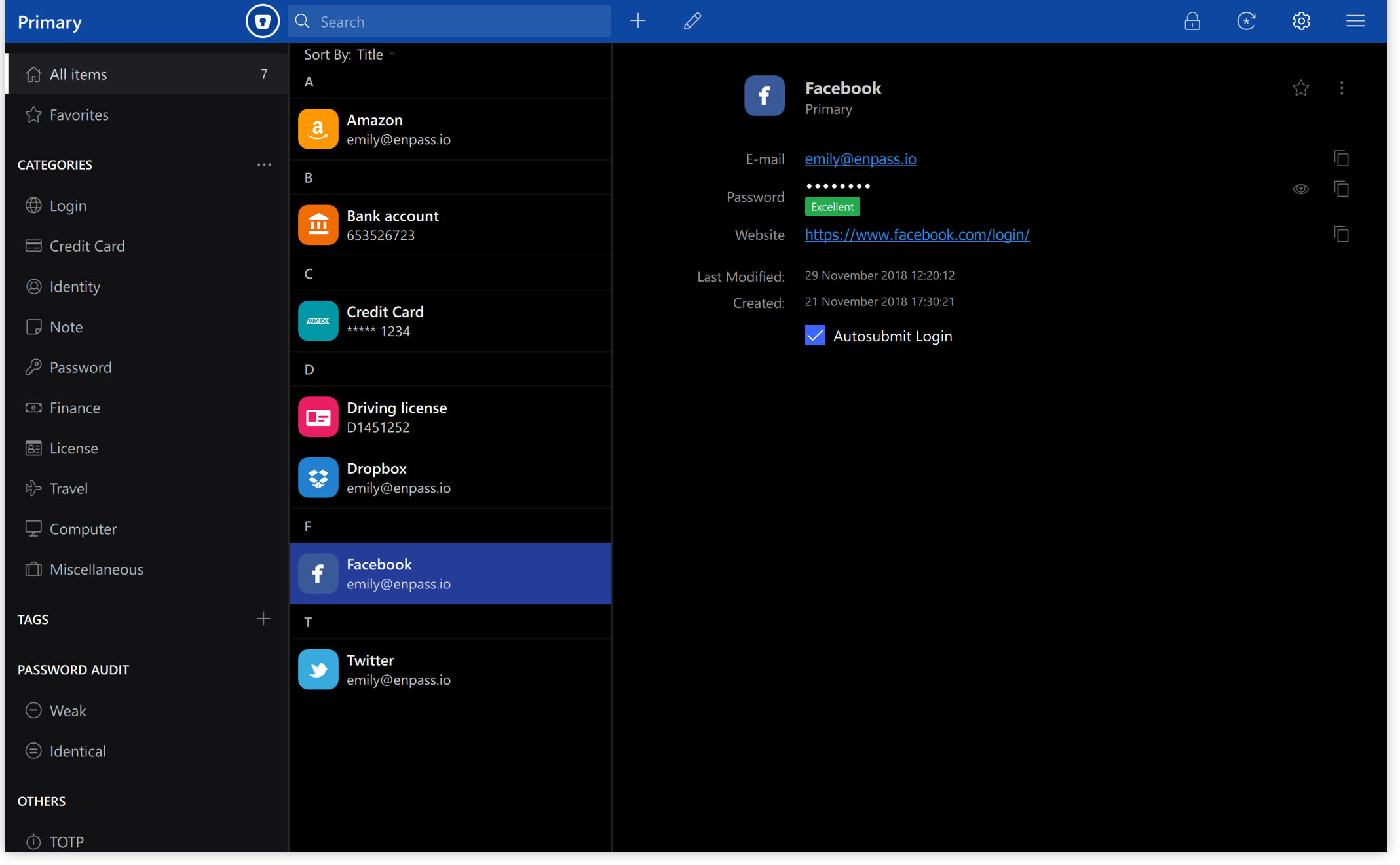
 Versie 6.12.3 van Enpass voor Windows is uitgekomen. Deze wachtwoordmanager is beschikbaar voor Windows, macOS, Linux, Android en iOS. Het programma stelt je in staat om eenvoudig bij websites in te loggen en je wachtwoorden te beheren. Zo kunnen nieuwe wachtwoorden worden gegenereerd en laat het programma weten of een wachtwoord zwak is, oud is of vaker wordt gebruikt. Data wordt versleuteld lokaal opgeslagen, maar synchroniseren via diensten als iCloud, Dropbox, Google Drive en OneDrive is ook mogelijk. Enpass is gratis te gebruiken op de desktop; voor gebruik op een mobiel apparaat of met verschillende gebruikers zal een abonnement afgesloten moeten worden. Sinds versie 6.12.1 zijn de volgende veranderingen en verbeteringen aangebracht:
Enpass version 6.12.3 (x64.2605 / arm64.2607)Autofill while locked The desktop app now serves cached autofill items metadata to the browser extension even when locked and requires to unlock Enpass when an item is selected for filling. Requires Enpass browser Extension v6.11.14
Added support for Conditional Passkey Sign-in and Enrollment The desktop app now supports the underlying passkey handling required for conditional passkey sign-in and password-to-passkey enrollment flows initiated from the browser extension.
Passkey Management Links Enpass now reads website-provided well-known passkey URLs to surface the right actions at the right time. When a site declares where users can enroll or manage their passkeys, Enpass shows the appropriate buttons directly in the app.
Improved SharePoint vault sharing by increasing the supported member limit for shared SharePoint sites from 1,000 to 5,000 users, enabling vault sharing with larger groups.
Enpass version 6.12.2 (x64.2551 / arm64.2555)This release brings smoother navigation and several reliability, display, and localization fixes.
- Activation works reliably after reconnecting to the internet
The activation process now recovers smoothly when your internet connection is restored after an initial network error. Previously, an SSL error could persist even after connectivity was back, requiring a restart. You can now simply retry and continue without restarting Enpass.- Notes field now stays expanded reliably
The Notes field now stays expanded as expected. Once you expand the Notes field for any item, it remains expanded across all items until you manually collapse it or restart the app. Previously, the Notes field could collapse unexpectedly.- Notes text is now readable in Dark theme
Text entered in the Notes field now displays in the correct color when using the Dark theme. Previously, the text could appear in black on a dark background, making it hard to read.- Security score now displays correctly on launch
The security score on the Home dashboard now shows the correct value as soon as the app launches. Previously, it could display an incorrect score until you navigated away and returned.- Item editing options are now translated
The item editing options (such as Attachment, Section, and Add Field) now display in your chosen language. Previously, these options appeared in English even when using a different language like Portuguese.- Keyboard shortcut now copies the right password
The keyboard shortcut for copying passwords in the Enpass Assistant now correctly copies the password of the item shown in search results. Previously, it could copy the password of a previously selected item instead.- Importing from Sticky Password now preserves special characters correctly
Importing data from Sticky Password now correctly handles umlauts and other non-ASCII characters (such as ä, ö, ü, ß, and é). Previously, these characters could appear garbled after import. Your imported data now displays exactly as it should.- Copy passwords directly from Enpass Assistant
You can now copy a password directly from the Enpass Assistant’s password generator. This option was removed in a previous update, is now restored.- Minor bug fixes and improvements
For Business Users
- Quickly access your vault storage location
Business users can now open the storage location of their shared vaults directly from the Sharing Center, available for OneDrive, Teams, and SharePoint Sites vaults.

:fill(white):strip_exif()/i/2000919627.jpeg?f=thumbmedium)
:strip_exif()/u/53522/crop583d477015a24.gif?f=community)
/u/80569/sheep_by_teocava.png?f=community)