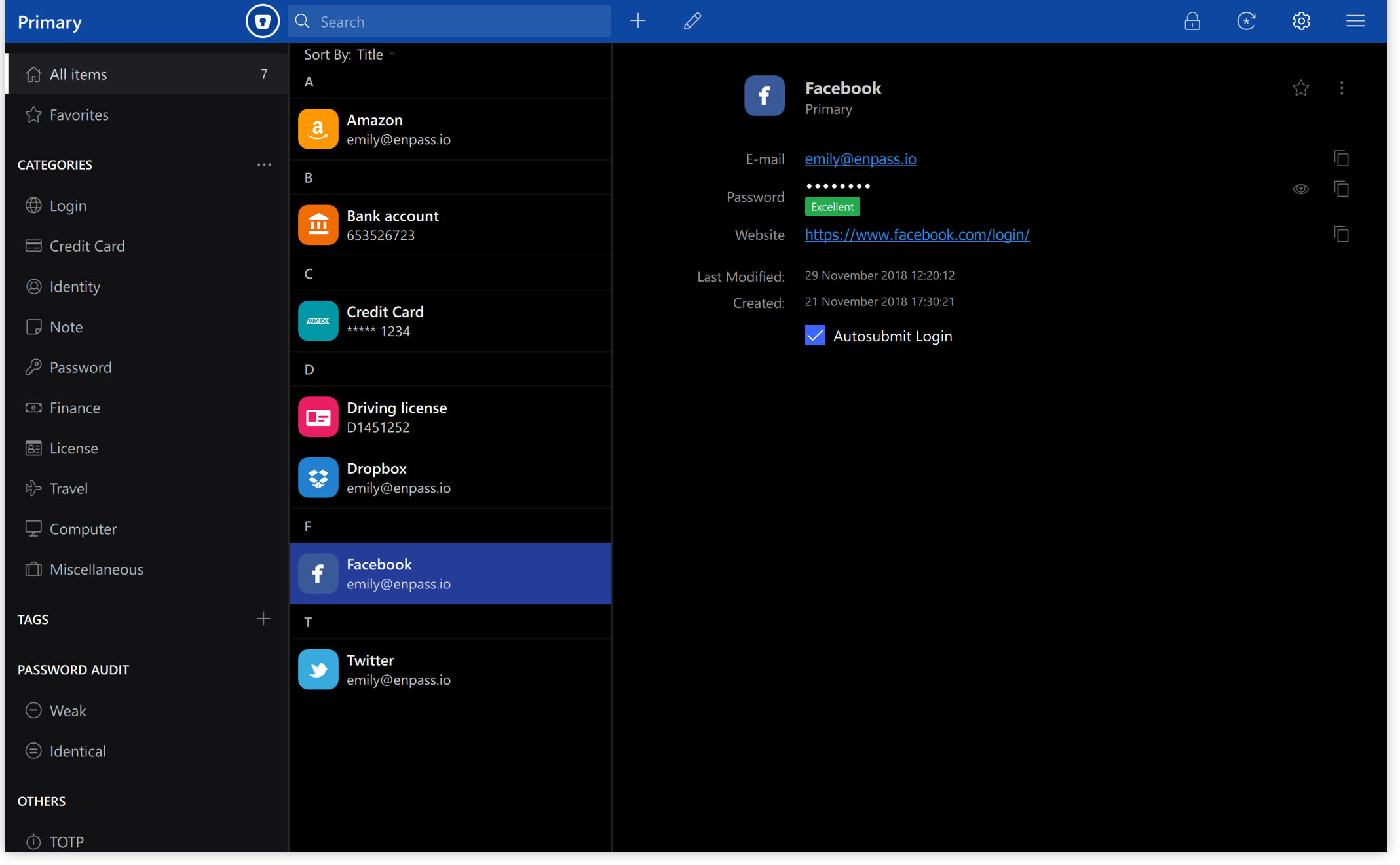
 Versie 6.11.19 van Enpass voor Windows is uitgekomen. Deze wachtwoordmanager is beschikbaar voor Windows, macOS, Linux, Android en iOS. Het programma stelt je in staat om eenvoudig bij websites in te loggen en je wachtwoorden te beheren. Zo kunnen nieuwe wachtwoorden worden gegenereerd en laat het programma weten of een wachtwoord zwak is, oud is of vaker wordt gebruikt. Data wordt versleuteld lokaal opgeslagen, maar synchroniseren via diensten als iCloud, Dropbox, Google Drive en OneDrive is ook mogelijk. Enpass is gratis te gebruiken op de desktop; voor gebruik op een mobiel apparaat of met verschillende gebruikers zal een abonnement afgesloten moeten worden. In deze uitgave zijn de volgende verbeteringen aangebracht:
High-level summary
This release introduces a redesigned homepage with guided actions, clearer browser extension prompts, safer Master Password habits, and improved desktop consistency. It also adds enhanced passkey security support, including Pseudo-Random Function (PRF) support. Along with important stability fixes and broader passkey compatibility improvements across websites and browsers.
Improvements
Master Password reminder experienceYou’ll now be reminded to re-enter your Master Password from time to time, if you unlock Enpass using biometrics. This helps ensure you never lose access to your encrypted data.
New homepage experienceStart every session with a redesigned homepage that brings clarity and direction to your Enpass experience. You can quickly understand what to do next, monitor your vault’s security health, and discover relevant premium features in one place.
Clear prompts to install the browser extensionYou’ll now see distinct in-app notifications to help you install the Enpass browser extension, making autofill and password saving more secure and seamless across websites.
Enhanced passkey security (PRF support)Enpass now supports advanced security enhancements including Pseudo-Random Function (PRF) support as part of passkey creation and sign-in. This improves compatibility, reliability, and alignment with modern WebAuthn standards while keeping existing passkeys fully compatible.
Bug fixes
Vault selection during item creationNew items are now saved to the vault you explicitly select during creation, preventing confusion and ensuring items are stored exactly where expected.
Improved startup stabilityFixed a rare crash during startup caused by network instability.
Passkey creation and sign-in fixes
- Resolved passkey issues on several supported websites, including Discord, Binance, Google services, Linear, Lululemon, SwissID, and others.
- Fixed cases where passkey options did not appear, sign-in failed to trigger, or the extension was not invoked correctly.

:fill(white):strip_exif()/i/2000919627.jpeg?f=thumbmedium)
:strip_icc():strip_exif()/u/821329/crop6817c75ef2272_cropped.jpg?f=community)

:strip_icc():strip_exif()/u/390613/crop61cc358dcd65b_cropped.jpg?f=community)
:strip_exif()/u/489640/crop67cc85cb59455_cropped.gif?f=community)
/u/176086/crop5f0823fa5e8d6_cropped.png?f=community)

:strip_icc():strip_exif()/u/364924/crop651c5ddadde89_cropped.jpg?f=community)
:strip_exif()/u/2273/java2.gif?f=community)
:strip_exif()/u/44206/poes.gif?f=community)