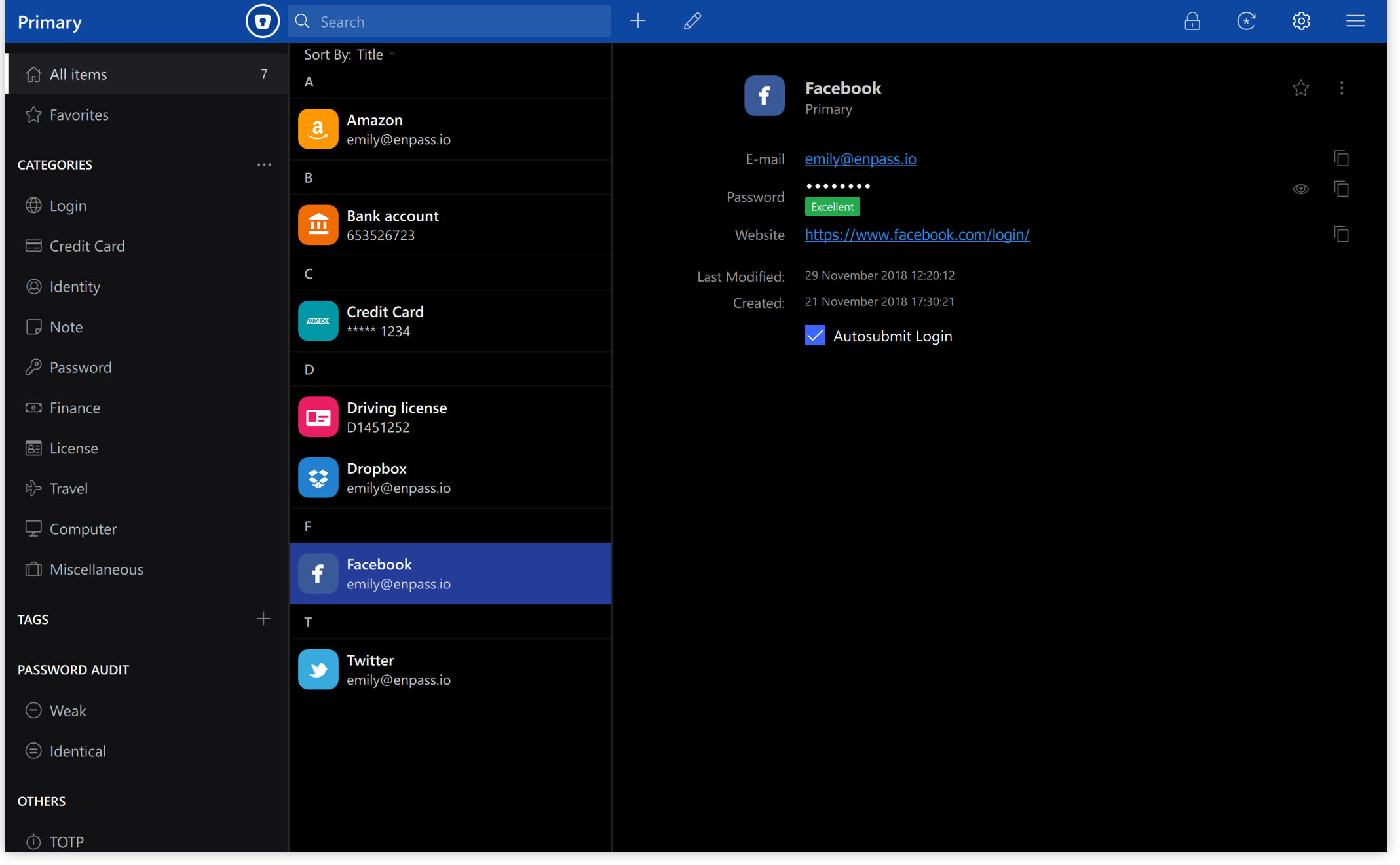
 Versie 6.12.1 van Enpass voor Windows is uitgekomen. Deze wachtwoordmanager is beschikbaar voor Windows, macOS, Linux, Android en iOS. Het programma stelt je in staat om eenvoudig bij websites in te loggen en je wachtwoorden te beheren. Zo kunnen nieuwe wachtwoorden worden gegenereerd en laat het programma weten of een wachtwoord zwak is, oud is of vaker wordt gebruikt. Data wordt versleuteld lokaal opgeslagen, maar synchroniseren via diensten als iCloud, Dropbox, Google Drive en OneDrive is ook mogelijk. Enpass is gratis te gebruiken op de desktop; voor gebruik op een mobiel apparaat of met verschillende gebruikers zal een abonnement afgesloten moeten worden. In versie 6.12 heeft het programma een opgefriste gebruikersinterface gekregen:
Enpass version 6.12.1Enpass has been redesigned with a modern interface, cleaner layouts, and streamlined workflows. This update builds on that foundation with fixes and stability improvements based on feedback from our beta testers.
Here’s what’s been fixed:Enpass version 6.12.0
- Fixed an issue where the Enpass browser extension was not detected by the latest version of Microsoft Edge.
- Enpass now runs smoothly when unlocking the app, launching from the system tray, and quitting.
- Minor bug fixes and improvements.
A Fresh New Look. The Same Enpass You Trust. Enpass has been redesigned from the ground up with a modern, polished interface, which includes cleaner layouts, streamlined workflows, and refined visuals across every screen. Plus, Enpass is now a native 64-bit and ARM64 app, bringing faster performance and improved memory usage. Everything you know and rely on works exactly the same, it just looks and feels a whole lot better.
Here’s what you’ll notice:
- Modern design throughout — Cleaner layouts, improved spacing, and refined icons across every screen including the sidebar, item lists, item details, editing, autofill, sharing, password generator, and lock screen.
- Redesigned settings — Settings have a new, spacious layout that’s less cluttered and easier to read, so configuring Enpass feels effortless.
- Streamlined workflows — Common tasks like adding items and importing data now take fewer steps and are more organized, so you can get things done faster.
- Updated visual elements — Buttons, icons, typography, and interactive elements have been refined for a cleaner, more intuitive experience.
- Refreshed Share Center — For Business users, you can now manage all your vault sharing in one space, and update access rights on the spot.

:fill(white):strip_exif()/i/2000919627.jpeg?f=thumbmedium)
/u/176086/crop5f0823fa5e8d6_cropped.png?f=community)


/u/150672/crop6adb5a99bd7aa.png?f=community)