 Bitwarden is een crossplatform en opensource wachtwoordbeheerdienst die persoonlijke gegevens in een versleutelde digitale kluis opslaat. Het is in de basis gratis te gebruiken en voor een klein bedrag per jaar is er toegang tot diverse extra's zoals het kunnen opslaan van totp-codes, inloggen met een YubiKey en opslagcapaciteit voor bijlagen. Bitwarden is beschikbaar online, als desktopclient, als mobiele app en als plug-in voor diverse webbrowsers. Sinds versie 2026.3.2 zijn de volgende veranderingen en verbeteringen aangebracht:
Bitwarden 2026.4.1
(The listed release number is for the Bitwarden Server, other version numbers released in this cycle also include Web 2026.4.2, Browser Extension 2026.4.0, Desktop 2026.4.0, Mobile 2026.4.1, and CLI 2026.4.0)
Password Manager
- Change master password on extensions and desktop: You can now change your master password on browser extensions and desktop apps. To support future improvements, workflows that allowed a master password change via the CLI were removed.
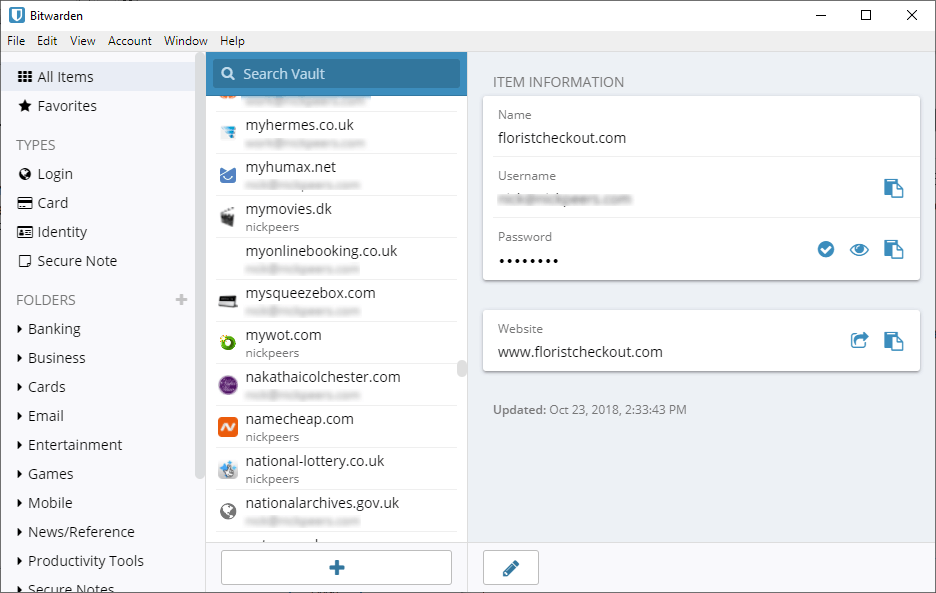
- Desktop UI updates: The desktop app UI has been updated with visual improvements.
- Click to autofill by default: Within the browser extension, you can now click anywhere on an item within Autofill suggestions to insert your credentials. This update removes the Fill button and Click items in autofill suggestions to fill setting for a more streamlined appearance.
- Updated Clear Clipboard default: The browser extension's Clear Clipboard setting now defaults to five minutes, an extra precaution to help keep your credentials secure.
- mTLS support now on iOS: Both the iOS and Android mobile apps now support uploading mTLS certificates for self-hosted servers that require client authentication. Upload your certificate when you set your server URL.
- Attachment status loading bar: Uploading an attachment on the desktop app and browser extension will display an upload status bar.
- Keeper JSON importer: You can now import data from Keeper with a JSON file.
Bitwarden 2026.4.0
(The listed release number is for the Bitwarden Server, other version numbers released in this cycle also include Web 2026.4.0 and Mobile 2026.4.0.)
Password ManagerAdmin Console
- Preview image attachments on Android: You can now preview image attachments from within the Password Manager Android app, without having to download the file to your device. Previewing image attachments will be available on iOS in a future release.
- Send controls Enterprise policy: Two Enterprise policies, Send Options and Remove Send, were merged into the newly titled Send controls policy. If either policy was previously turned on, the chosen options will transfer and remain unchanged.
- Updated Enterprise Policies page: On the Policies page, the Enterprise Policies are now organized into three categories: Data Controls, Authentication, and Vault Management. You can also review at a glance which policies are turned on or off.
- Access Intelligence dashboard update: Visualize how at-risk applications, passwords, and members have changed over time relative to absolute changes in application, password, and member counts with new graphs on the Access Intelligence Activity view.

:strip_exif()/i/2008271076.png?f=thumbmedium)
:strip_exif()/u/6307/husky_icoon.gif?f=community)
:strip_icc():strip_exif()/u/370910/Ubuntu2.jpg?f=community)
:strip_icc():strip_exif()/u/6694/crop62e546fe108c4.jpg?f=community)