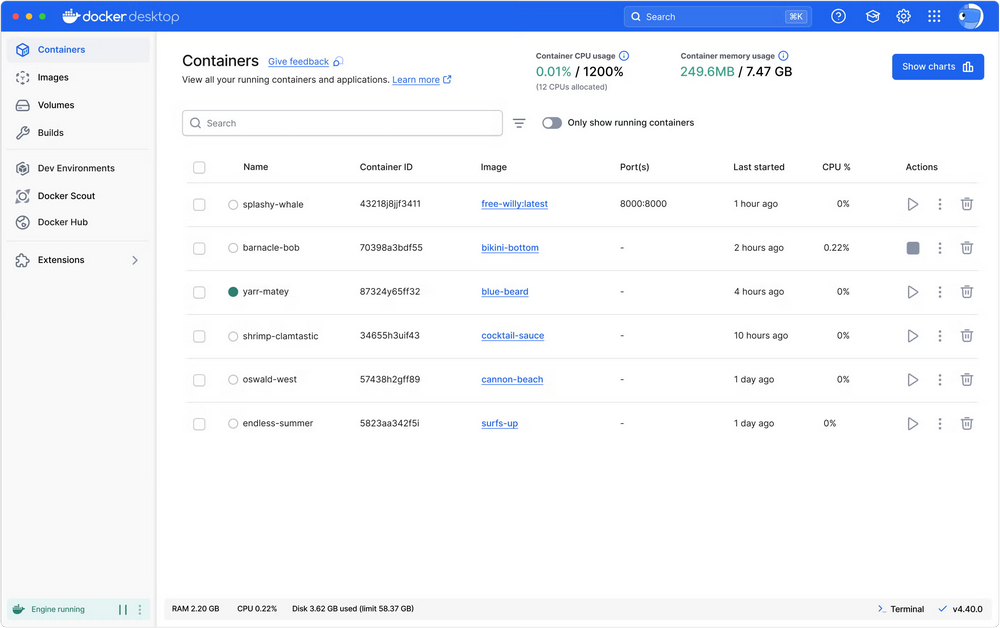
 Docker Desktop is een applicatie die het mogelijk maakt om lokaal Docker-containers en Kubernetes te maken, draaien en beheren. Het is beschikbaar voor Windows, macOS en Linux, en is gratis voor persoonlijk gebruik en in kleine omgevingen. Voor grote organisaties is wel een betaalde licentie nodig. Versie 4.99.0 van Docker Desktop is uitgekomen en de changelog daarvan ziet er als volgt uit:
UpdatesBuffixes for all platforms
- Docker Offload
v0.7.36- Docker Hardened Images (
dhictl)v0.0.10- Docker Agent v1.153.0
- Docker Scout CLI
v1.28.0- Docker MCP CLI
v0.44.3- Docker Compose v5.7.0
- Docker Engine v29.9.3
Buffixes for Mac
- Fixed a socket leak in the system proxy where plain HTTP requests from containers routed through an upstream proxy left one socket open per request until restart.
- Fixed constant network traffic and CPU usage caused by Docker Desktop computing the size of NFS- or SMB-backed volumes. Fixes docker/desktop-feedback#800.
- Fixed an issue where Docker Desktop could shut down ungracefully, causing resource leaks or a corrupted state by not allowing cleanup handlers to run.
- Fixed the Containers list cutting off the ports when clicking Show all ports, which now lists all of them in a popover. Fixes docker/desktop-feedback#794.
- Fixed connection resets on published ports under bursts of new connections with Docker VMM.
Buffixes for Windows
- Fixed an issue where an update could fail with Unable to install because Docker Desktop killed the installer while quitting.
- Fixed Windows updates stopping Docker Desktop abruptly, which could corrupt the engine databases.
- Fixed an error that could occur when attempting to run
docker desktopcommands from inside a WSL distro while using the WSL integration.- Added BuildKit support for Windows containers when using the containerd image store.
- Fixed WSL 2 engine start failing on slow machines when the data disk took more than a fraction of a second to appear.
- Fixed per-user installs and updates on Windows failing with a "Virtual Machine Platform" error on machines where WSL 2 already works.
- Fixed Docker Desktop hanging after closing an error dialog with its Close button. Closing an error dialog that offers Continue now continues instead of quitting Docker Desktop.
- Fixed Windows containers failing to start at login with Starting windows containers: An error has occurred. when a container took longer than 30 seconds to stop.
- Fixed WSL 2 distributions flushing their systemd-resolved DNS cache every 30 seconds while Docker Desktop was running. Fixes docker/desktop-feedback#761.
- Fixed Windows installer launcher to report descriptive error reasons (e.g. Disk full) on update failure instead of a bare exit code.