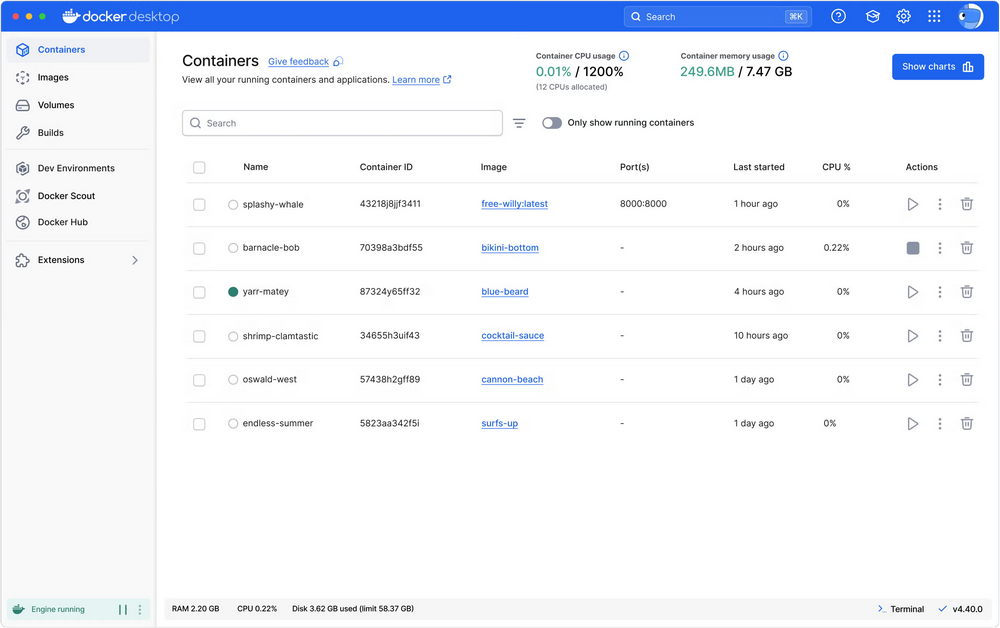
 Docker Desktop is een applicatie die het mogelijk maakt om lokaal Docker-containers en Kubernetes te maken, draaien en beheren. Het is beschikbaar voor Windows, macOS en Linux, en is gratis voor persoonlijk gebruik en in kleine omgevingen. Voor grote organisaties is wel een betaalde licentie nodig. Versie 4.95.0 van Docker Desktop is uitgekomen en de changelog daarvan ziet er als volgt uit:
Updates For all platformsFor Mac
- Fixed the engine restarting right after Docker Desktop starts when an admin policy enables Enhanced Container Isolation.
- Fixed automatic update downloads starting before sign-in on machines that enforce sign-in, which could ignore an organization's policy disabling updates.
- Fixed long Ask Gordon conversations where the end of responses was hidden behind the user's message, and where scrolling up jumped around or got stuck.
- Fixed Settings accepting a disk image location inside the Docker Desktop installation directory, which the installer replaces on every update. Fixes #667.
- Fixed Quit doing nothing in the error dialog shown when the Docker Engine fails, and the dialog taking around 2 minutes to appear when the engine fails while starting.
- Fixed an issue where Gordon AI chat displayed the final answer inside the collapsed Activity section instead of below it when token usage was hidden by the gateway.
- Fixed an issue where gathering diagnostics from the error dialog failed repeatedly when Docker Desktop could not start.
- Fixed Kubernetes occasionally failing to start when a Registry Access Management image pull hit a transient network timeout.
- Added
docker desktop auth statusCLI subcommand to display Docker Hub login status, username, email, plan, and organization membership, with--format pretty|jsonoutput options.For Windows
- Fixed Docker Desktop being unable to start subprocesses after being launched a second time.
- Fixed an issue on Windows with WSL 3.0.1 where
docker inforeportedDocker Desktop (containerized)instead ofDocker Desktop, causingdocker debugto fail when Registry Access Management is enabled.- Fixed a Windows update failure where
app.asarwas reported as locked by Docker Desktop.- Fixed the Windows installer deleting the WSL data disk during an update when the data root was inside the installation directory. Fixes #667.
- Fixed Docker Desktop failing to start with the Hyper-V backend when the Windows hosts file is protected by an antivirus or endpoint security tool.
- Fixed issues on Windows with WSL/MSYS2 native symlink (LX symlink) handling, sparse stream exports via backup tar, and a race condition in named pipe listener close.
- Added a dedicated error message when the Hyper-V virtual machine cannot start because the host does not have enough free memory.
- Fixed an intermittent MSI installation failure (error code 1603) on Windows caused by analytics custom actions racing with other installer steps.
- Fixed a per-user installation on Windows silently completing on machines where the Virtual Machine Platform feature is disabled, leaving Docker Desktop unable to start.
- The Windows installer now fails with an explicit error when a per-user installation is attempted from the SYSTEM account (e.g. deployed via SCCM or Intune), instead of silently installing into the SYSTEM profile.
- Fixed an issue where the Hyper-V VM could fail to start after a restart because its disk was still being compacted.

:strip_exif()/i/2007704650.png?f=thumbmedium)
:strip_icc():strip_exif()/u/239104/inferno2tnet.jpg?f=community)
/u/454010/crop6a65252e18de0_cropped.png?f=community)

:strip_icc():strip_exif()/u/177406/crop5ca60c3b4a6c7_cropped.jpeg?f=community)