 Versies 22.2.0, 22.3.0 en 22.4.0 van ShareX zijn kort achterelkaar uitgekomen. Met dit opensourceprogramma kunnen zowel statische als bewegende beelden worden afgevangen, waarna er vervolgens verschillende bewerkingen op los kunnen worden gelaten. Wanneer je tevreden bent met het resultaat kan het worden opgeslagen naar zo'n tachtig bestemmingen, zoals Flickr, Pastebin, Dropbox, Google Drive, OneDrive, Amazon S3 en Streamable. Ook kan de functionaliteit verder uitgebreid worden met zelfgeschreven uploadmodules om ook dit onderdeel naar eigen hand te zetten. De changelog laat de volgende veranderingen en verbeteringen zien:
ShareX 22.4.0ShareX 22.3.0
- Added "Task view mode" option to switch the main window task list between "List view" and "Thumbnail view" (Application settings -> Main window).
- Added "Image preview visibility" option to show the selected image beside the list view (Application settings -> Main window).
- Added "Spacing" options with a live preview for the sidebar, menus, tool menus and settings windows, and a "Compact mode" preset that brings back the ShareX v21 spacing (Application settings -> Theme).
- ShareX now asks which icon pack to use after updating.
- The "Legacy" icon pack now also covers the screen recorder bar, tool windows and image effects.
- Added a "Ruler" tool that works like the ShareX v21 ruler. The existing ruler tool is renamed to "Measure".
- Image editor improvements:
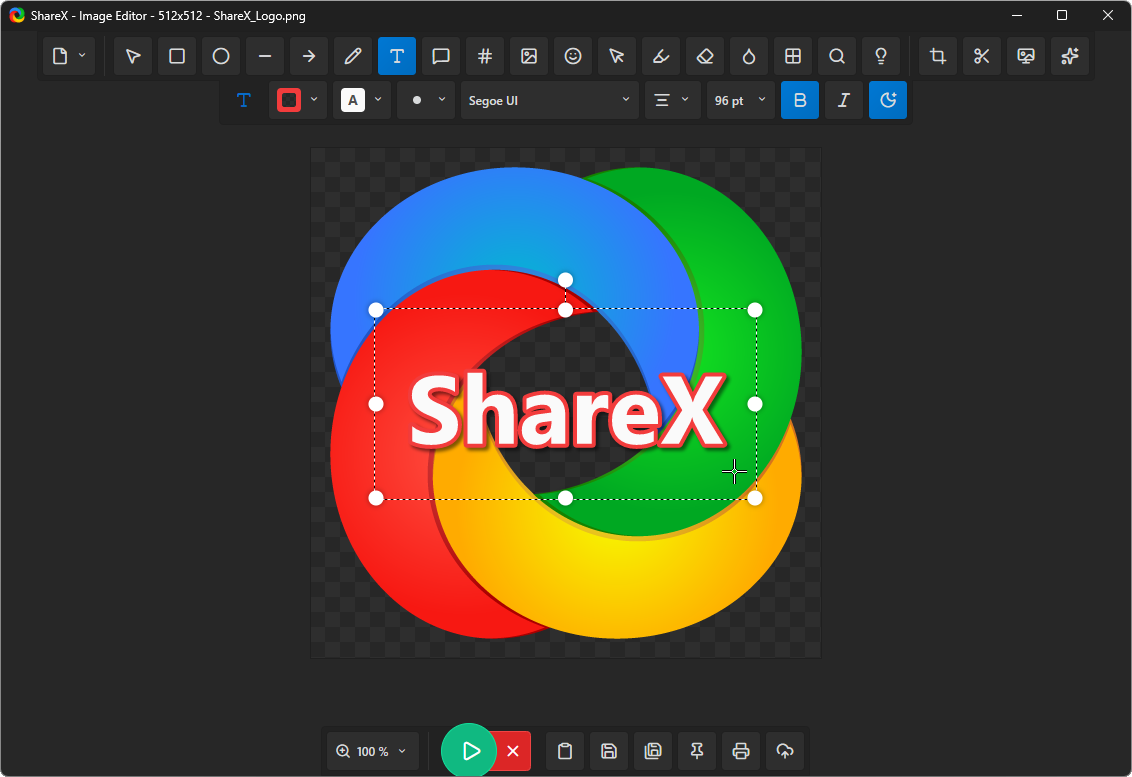
- Added "X Canvas size" tool. Drag the frame outward to add space or inward to crop, with a selectable fill color for the added area.
- Added "Auto-expand canvas when text or shapes go beyond the edge" option (Task settings -> Tools -> Image editor).
- Added "Freehand arrow" option to the freehand tool.
- Added "Rounded corners" option to the arrow tool.
- Added "Secondary" keyboard shortcuts for toolbar tools, defaulting to the ShareX v21 numpad keys (Task settings -> Region capture -> Customize toolbar).
- Region capture now shows the position and size of the hovered window or region, using the ShareX v21 "X: Y: W: H:" format.
- Screen recording changes:
- The after capture window is now goal based. Choose what ends up on the clipboard, and the tasks that goal needs are selected automatically while every other task stays an optional extra.
- Added "Just once" option to the screenshot delay menu so the delay only applies to the next capture.
- Added "Don't remind me again" option to the file delete confirmation. It can be turned back on with "Ask for confirmation before deleting files" (Application settings -> Advanced).
ShareX 22.2.0
- Added "Legacy" icon pack (Application settings -> Theme -> Icon pack).
- Region capture improvements:
- Added "Multi region mode" option (Task settings -> Region capture).
- Added "Compact region capture toolbar" option (Task settings -> Region capture).
- The region capture toolbar can now be dragged to a different position.
- Added "Region (Transparent)" capture back to the capture menu.
- The image editor and photo editor now open on the same monitor as the main window.
- Improved startup speed and first region capture speed.
- Replaced all icons across ShareX with custom designed icons.
- Added WebP image format support for screenshots, with "Lossless", "WebP quality" and "WebP compression effort" options (Task settings -> Image).
- Photo editor improvements:
- Translated "Photo editor" into all 28 languages.
- Added "Open in photo editor" after capture task.
- Added "Edit in Photo editor…" option to history windows context menu.
- Added "Edit with ShareX Photo editor" option to Windows Explorer context menu (Application settings -> Integration). The existing "Edit with ShareX" option is renamed to "Edit with ShareX Image editor".
- Added custom title bar with menu and file name.
- Added "Lossless" option for WebP in export dialog.
- Export dialog now remembers the last used format, quality and lossless settings.
- Added "Clear Recent File List" option to "Open Recent" menu.