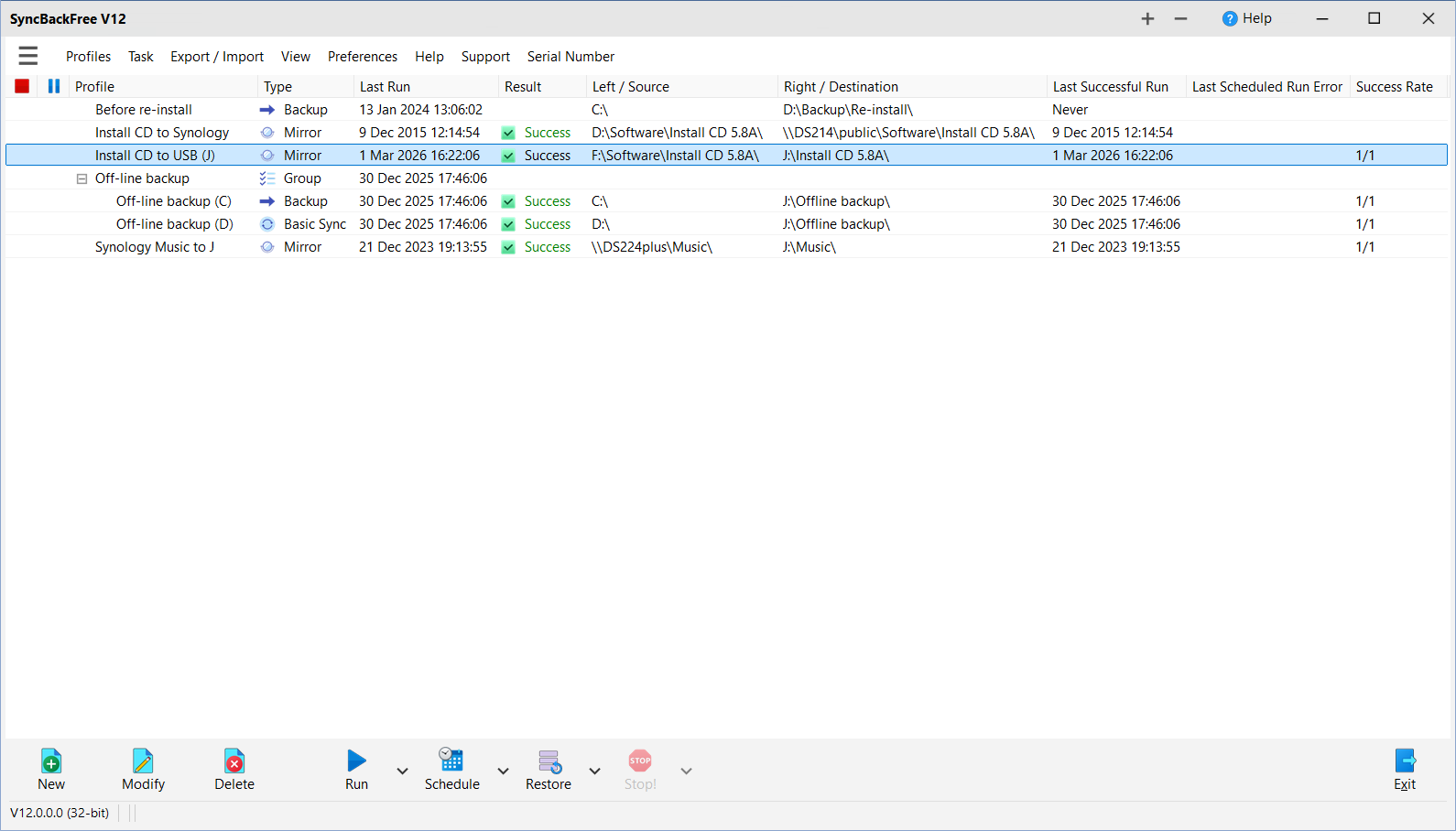
 2BrightSparks heeft versie 12.0.0.0 van SyncBackFree uitgebracht. Dit programma is de eenvoudigste en daarmee meteen ook de gratis uitvoering van de back-upsoftware die dit bedrijf in de aanbieding heeft. Naast back-ups maken kan SyncBackFree data synchroniseren. Dit kan naar een locatie op dezelfde of een andere schijf, of naar een ander medium, zoals een USB-stick, FTP-server of ziparchief. Naast deze gratis uitvoering zijn er ook SyncBackSE en SyncBackPro, die voor respectievelijk 51 en 68 euro extra functionaliteit bieden. De changelog voor deze uitgave is hieronder te vinden:
New:Updated:
- (Pro/SE): Insider Access with Upgrade Assurance
- Zooming supported
- (Pro/SE): Locked files can be copied (using the Scheduler Monitor) from unelevated SyncBackPro/SE
- File & Folder selections can be shared between profiles
- (Pro): Advanced Logging options now supported, e.g. log to an external logging system
- File preview in File & Folder selection window and Differences window
- (Pro/SE): Advanced VSS options for copying locked files
- (Pro): MEGA S4 supported
- (Pro): Infisical secrets manager supported
- (Pro): A.I. support with scripting
- (Pro): Remote profile progress can be viewed using SBMS Console (SBMS V3 with SyncBackPro V12 required)
- (Pro): New RunFileCompareSameEx script function to replace RunFileCompareSame
- (Pro): New EnableProfile and DisableProfile functions
- (Pro): New script functions for logging
- (Pro): Various other new scripting functions
- In the File & Folder selection window you can search visible filenames by simply typing the filename
- Open (view) local/network files from File & Folder selection window
- In the Differences window you can now reset the Display, Filters and column widths of grids at bottom of window
- In the Differences window you can change the format of the list of files and folders (optionally indent them)
- In the Differences window, Actions on folders are now recursive, i.e. they apply to child folders and files
- Can also export to clipboard in Differences window
- (Pro/SE): Run with prompting, e.g. you can change source and/or destination path before running the profile
- A program can be run when all profiles end (like you can already do a shutdown, program exit, etc.)
- When changing the source or destination path an attempt is made to put back the variables
- A warning is shown in the VHD settings if AutoPlay is enabled
- SyncBack uses the Windows Group Policy setting for filename sorting in Windows Explorer
- (Pro/SE): You can now set the text colour in the main window for profiles
- Option to use colour images with a dark style
- A profile can Log to highlight it not having been run
- Tray icon now shows if profiles are running in another process
- If a profile is selected in the main window, and it is running in another process, then its progress is shown (change from functionality in V11 and earlier)
- (Pro/SE): Relabel the source and/or destination volumes on success and/or failure
- Option to ignore file size differences less than x bytes
- If a Windows directory is set to be case sensitive, then the log will now contain errors if files or sub-directory with different case are in the directory
- A directory can contain a file named syncback.scan to have SyncBack scan the directory even if it thinks it has already been scanned
- If a file cannot be copied, because it is locked, then pause before retrying
- You can choose which file types to highly compress and which ones to use lowest compression
- (Pro): Azure cold restore options (rehydrate to hot, cold, cool and optional high priority)
- (Pro): Option to not retrieve from Glacier or Azure archive storage
- (Pro): Faster Google Storage uploading
- (Pro): When using Amazon S3 or Azure you can optionally delete excess native cloud versions (like with Backblaze etc).
- (Pro): Can use "Not specified" for ACL for S3 and Google Storage (also when creating a bucket)
- (Pro): Can change block/part size for multi-part upload and download (Azure, S3, B2, Rackspace and Google Storage)
- (Pro): Uses less memory when downloading large files from Azure and Amazon S3
- SyncBack will automatically attempt to resend an email (without attachments) if it thinks it failed because the attachments were too large
- Numerous new variables to get counters from log, e.g. %LOGERRORSCNT%
- Basic AUTH (e.g. http://username:password@example.com/) supported for HTTP downloads and FTP HTTP downloads
- Abort the profile after a certain number of errors
- Retry file verification
- (Pro/SE): TLS 1.3 supported with Eldos FTPS
- (Pro/SE): Can optionally specify how many days log files to keep
- (Pro/SE): Support for Basic AUTH (e.g. http://username:password@example.com/) for HTTP downloads and FTP HTTP downloads
- (Pro/SE): Download and upload files in chunks in parallel with SFTP (using Worker Threads)
- Encryption now supported with Rapid Transfer
Reminder:
- The help file has been expanded and updated
- All translations have been updated
- Egnyte support is deprecated and may be removed in a future release

:strip_exif()/i/2008098996.png?f=thumbmedium)