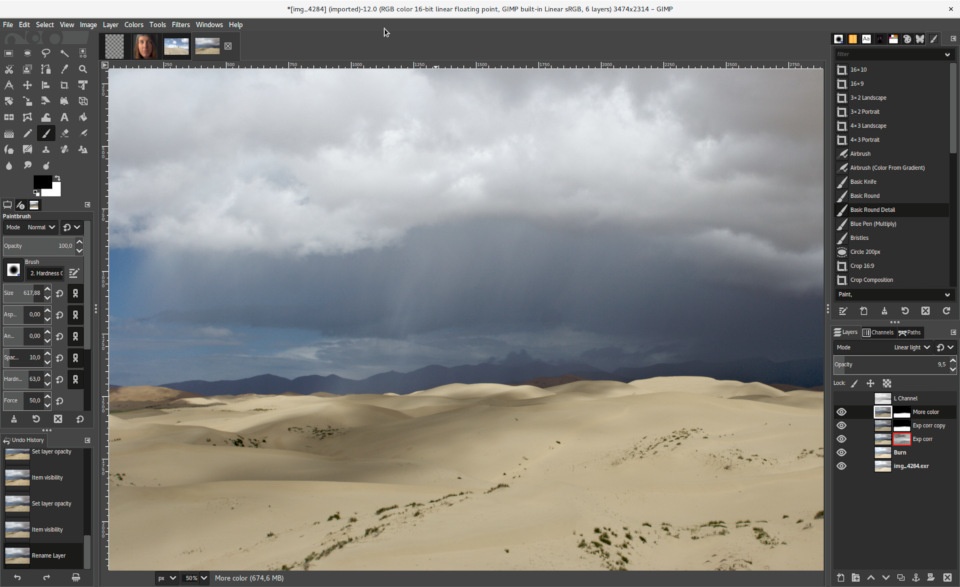
 Versie 3.2.0 van het opensource beeldbewerkingsprogramma GIMP is uitgekomen. De naam GIMP is een afkorting voor 'GNU Image Manipulation Program'. De software is beschikbaar voor diverse besturingssystemen, waaronder Windows, FreeBSD, Linux, macOS en Solaris. Versie 3.2.0 is een grote release met veel veranderingen; de belangrijkste zijn hieronder voor je op een rijtje gezet:
HighlightsHere are some of the many highlights to look out for as you start using GIMP 3.2:
- New non-destructive layers!
- You can now use Link Layers to incorporate external image as part of your compositions, easily scaling, rotating, and transforming them without losing quality or sharpness. The link layer’s content is updated when the source file is modified
- The Path tool can now create Vector Layers, which lets you draw shapes with adjustable fill and stroke settings.
- The MyPaint Brush tool has been upgraded, adding 20 new brushes, and it now automatically adjusts to your canvas zoom and rotation for more dynamic painting.
- A new
Overwritepaint mode allows you to draw over existing colors without blending their transparency.- The on-canvas Text Editor has a number of workflow improvements. Among them, you can now move it as needed across the canvas and utilize many common shortcuts such as
Ctrl+Bfor bold text andShift+Ctrl+Vfor pasting unformatted text. The Text Outline feature also includes more options to control the direction of the outline.- New file format support and improvements to existing formats, such as DDS BC7 export and more layer styles imported for PSDs. Thanks to vector layers, we now also support SVG export and expanded vector options in PDF export.
- A variety of UX and UI improvements, based on your feedback and our design team’s efforts. To list a few:
- Options to make the brush thumbnails use theme colors for previews, for a nicer experience in dark themes
- Ability to drag and drop images onto the image tab to open in GIMP
- Keyboard shortcut support for the Shear and Flip tools
- New
Systemcolor scheme that automatically matches GIMP’s theme color scheme to the one you set for your OS- The CMYK color selector now shows the
Total Ink Coveragefor your color, helping you adjust during soft-proofing based on your printer’s ink coverage limit.- For script and plug-in developers, a new GEGL Filter browser has been added to make it easier to find non-destructive filters to use.

:strip_exif()/i/2007035870.png?f=thumbmedium)
:strip_icc():strip_exif()/u/821329/crop6817c75ef2272_cropped.jpg?f=community)


