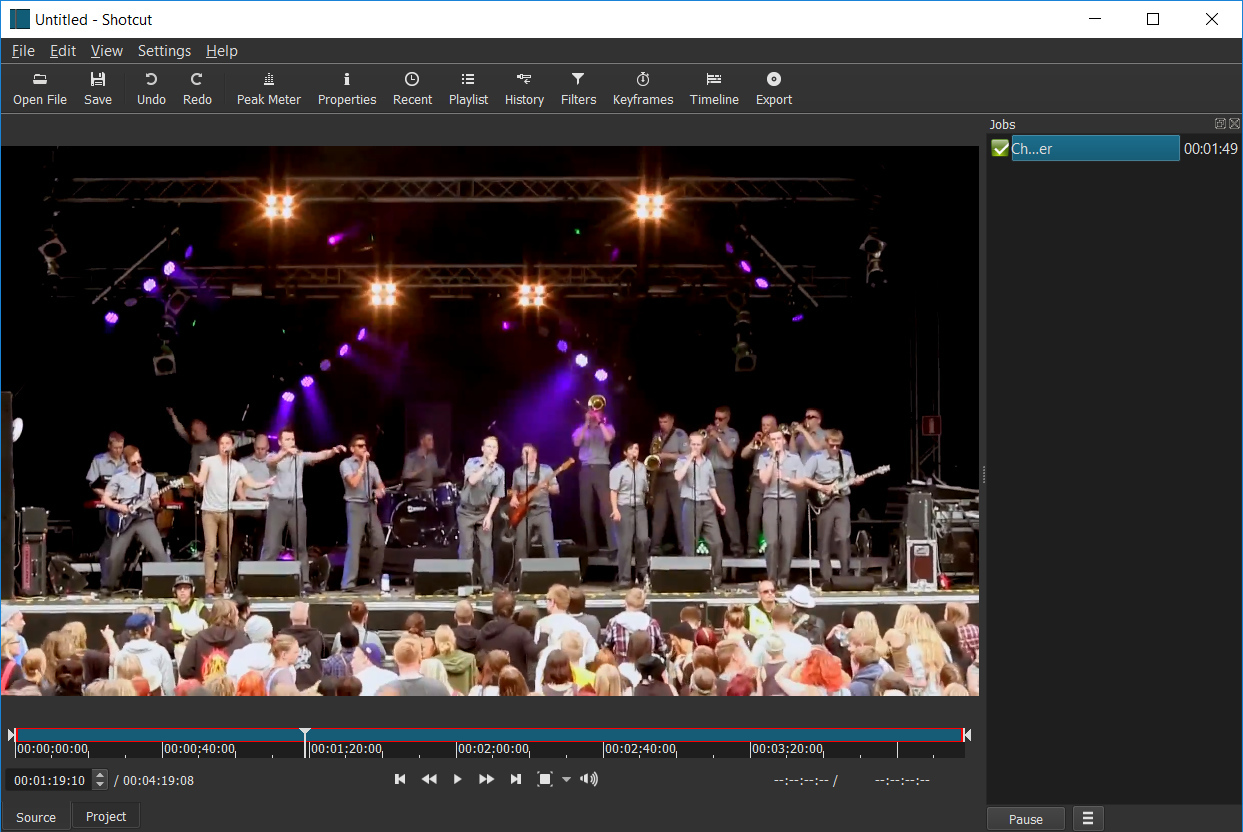
 Shotcut is een open source en crossplatform videobewerkingsprogramma voor Windows, Linux en macOS met uitgebreide mogelijkheden. Het maakt gebruik van FFmpeg en heeft daardoor ondersteuning voor de gangbaarste formaten audio en video. De bestanden worden niet geïmporteerd, maar worden in hun originele formaat bewerkt. Het kan overweg met verschillende sporen en binnen een project kan er een mix van formaten en resoluties worden gebruikt. In versie 26.11is een Audio Mixing Assistant toegevoegd en zien we verder een lange lijst met verbeteringen en bugfixes:
Audio Mixing AssistantChoose Timeline > menu > Edit > Audio Mixing Assistant and get recommendations that it can apply.
FixesOther Changes and Improvements
- Fixed a crash when drag-n-drop video suggesting conversion when Settings > Timeline > Automatically Add Tracks is on (broke in v26.9).
- Fixed Timeline interactions slow when something is using Windows UI Automation (broke in v26.9).
- Fixed copy and paste of multiple clips including dissolve video transitions (broke in v26.9).
- Fixed audio playback might sound scratchy (broke in v26.9).
- Fixed
Ctrl+mouse-wheel and context menus in the numeric fields of filters on Windows (broke in v26.9).- Fixed crash when using hardware decoding and preview scaling with GPU processing mode (broke in v26.9).
- Fixed scrubbing audio in the Source player (broke in v26.9).
- Fixed pasting filters to a track (broke in v26.9).
- Fixed moving a clip in Timeline with drag-n-drop was slower (broke in v26.9).
- Fixed some VST2 plugins made app hang on start or make the app or export jobs crash on exit (broke in v26.8).
- Typewriter filter: fixed changing the text can temporarily break timing in preview (broke in v26.4).
- Fixed launching Glaxnimate installed to
Program Fileson Windows (broke in v26.4).- Fixed possible crash when drag-moving a clip beyond a transition to end of track.
- Fixed resizing a transition by dragging the clip before it.
- Fixed saving a preset export with
/in the name.- Fixed loading B frames from custom export preset with hardware encoding on.
- Fixed the macOS 27 font dialog does not work.
- Fixed crash opening a file dialog in AppImage/Snap on Ubuntu 26.04.1.
- Fixed snapping to the playhead or a marker is inaccurate when Timeline is zoomed out.
- Subtitle Burn In filter: fixed failing to render beyond an item with blank lines.
- Fixed using Size, Position & Rotate filter on an Adjustment Clip.
- Reduced the memory usage of audio transitions.
- Improved the performance of dissolve video transitions in 8-bit processing mode.
- Added Remove Old Program Files to the Windows installer when doing upgrade. This fixes problems caused by old, incompatible DLLs no longer being used.
- Added support for Premiere and Resolve video proxy file conventions:
ProxyorProxiessubfolder, case insensitive, same as source name but possibly different extension, optionally with_Proxysuffix before extension.- Reduced playhead thickness.
- Removed Settings > Player > Audio API > Waveform Audio on Windows. This was a legacy API that was dropped by the SDL library we use for audio output. The new defaults are WASAPI for stereo and DirectSound for multi-channel.
- GPS Graphic filter: optimized drawing by skipping overlapping lines.
- GPS Text filter: added support for decimals X argument for datetime keywords.
- GPS filters: added support for parsing plain text files such as dashcam logs.
- GPS filters: automatically load a companion gps file (with the same name).
- Added support for rectangle parameters to the experimental add-on filter UI generator including a player overlay control (VUI).
- Added a camcorder viewfinder (recording) animation to Elements > Graphics.
- Added a search field (English only) to Elements.
- Added Settings > Shortcuts (an alias for Help > Actions and Shortcuts).
- Added Settings > Timeline > Rounded Rectangles option to turn off that cosmetic feature.
- Added Settings > Timeline > Sync Zoom With Keyframes.