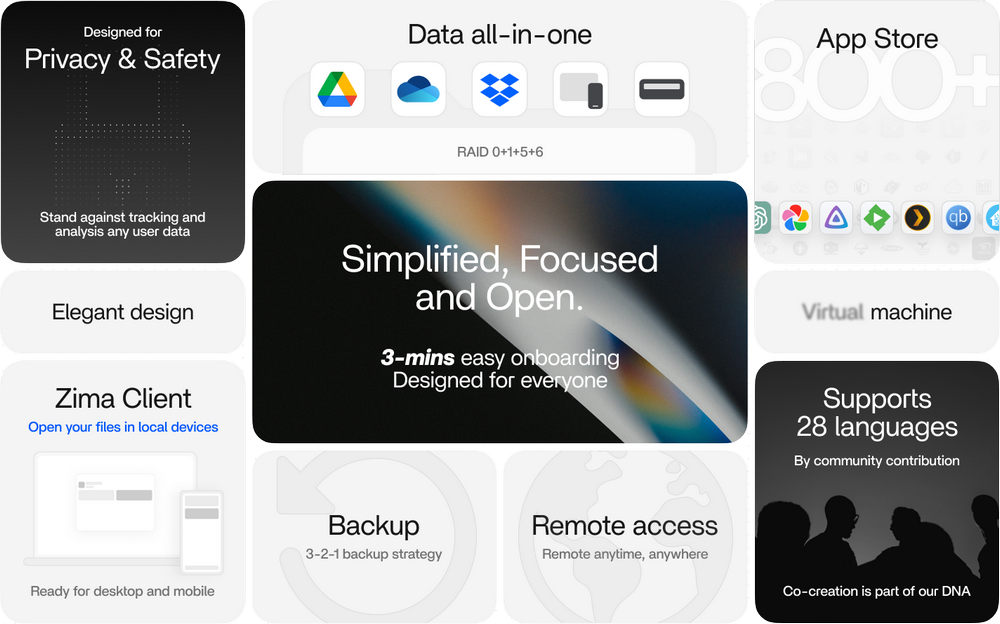
 ZimaOS is een elegant besturingssysteem voor persoonlijke clouds wat door door IceWhale is ontwikkeld. Het transformeert je thuisserver in een gebruiksvriendelijke nas voor je eigen data en stelt je in staat om moeiteloos apps te draaien via Docker, je bestanden overal te synchroniseren en je data volledig in eigen beheer te houden. Het bouwt voort op het fundament van CasaOS, dat nu niet meer verder ontwikkeld wordt. Het kan worden gebruikt op IceWhales eigen hardware, zoals de ZimaBoard 2, maar ook op een computer met een 64bit-processor en UEFI.
ZimaOS is opensource en nog volop in ontwikkeling en er staat een actieve community achter. De software is gratis te gebruiken, met als enige beperking dat er ondersteuning is voor maar vier harde schijven en drie gebruikers. Voor een eenmalige vergoeding van 29 dollar is dat onbeperkt en wordt de verdere ontwikkeling ondersteund. Versie 1.8.0 is uitgekomen en hierin zijn de volgende veranderingen en verbeteringen aangebracht:
NewFixed
- Added a Gallery feature that supports adding photo sources and browsing photos and videos together in a chronological timeline
- Added intelligent search, allowing users to find photos using natural language, text within images, and visual content
- Added map-based browsing, allowing users to view photos by country or region, city, and location
- Added albums, favorites, and recently viewed items to make it easier to organize and find important photos
- Added Memories, which automatically creates collections such as On This Day, location memories, and travel stories
- Added fan control policies for select devices to improve cooling performance and system stability
- Added Spotlight support, enabling quick access to relevant features and content on the device through Spotlight
- Added touchscreen and GPIO configuration support for select Intel platforms
- Added AMD CPU temperature display
Optimized
- Fixed an issue that prevented the system time zone from being changed
- Fixed an issue where the memory frequency displayed in Device Information did not match the actual frequency
- Fixed an issue where the "Create" button at the bottom of the window could be obscured when creating a RAID array in certain scenarios
- Fixed excessive resource usage by backup tasks in certain scenarios
- Fixed an issue where RAID repair operations did not execute as expected in certain scenarios
- Fixed abnormal CPU topology display caused by improper ACPI handling
- Optimized Docker application lifecycle management to improve the reliability of application startup, shutdown, and state transitions
- Optimized the CPU resource limit logic on the application configuration page; the maximum limit is now automatically determined based on the number of CPU threads detected in Device Information
- Optimized the application uninstallation process, allowing users to choose whether to delete or retain application data during uninstallation
- Optimized Btrfs writeback throttling to reduce COW amplification and improve write performance
- Optimized the user authentication experience; after the device restarts, users no longer need to re-enter their password in most scenarios
- Optimized memory information display on the application details page

:strip_exif()/i/2008131530.png?f=thumbmedium)
:strip_icc():strip_exif()/u/442444/crop5aff4dc62a9bd_cropped.jpeg?f=community)
:strip_icc():strip_exif()/u/321797/crop64df680a73dee_cropped.jpg?f=community)
/u/62337/firewirelogo.png?f=community)
:strip_icc():strip_exif()/u/568614/crop63f8684d9441d_cropped.jpg?f=community)
/u/338627/justinmeyernl_copy-2.png?f=community)