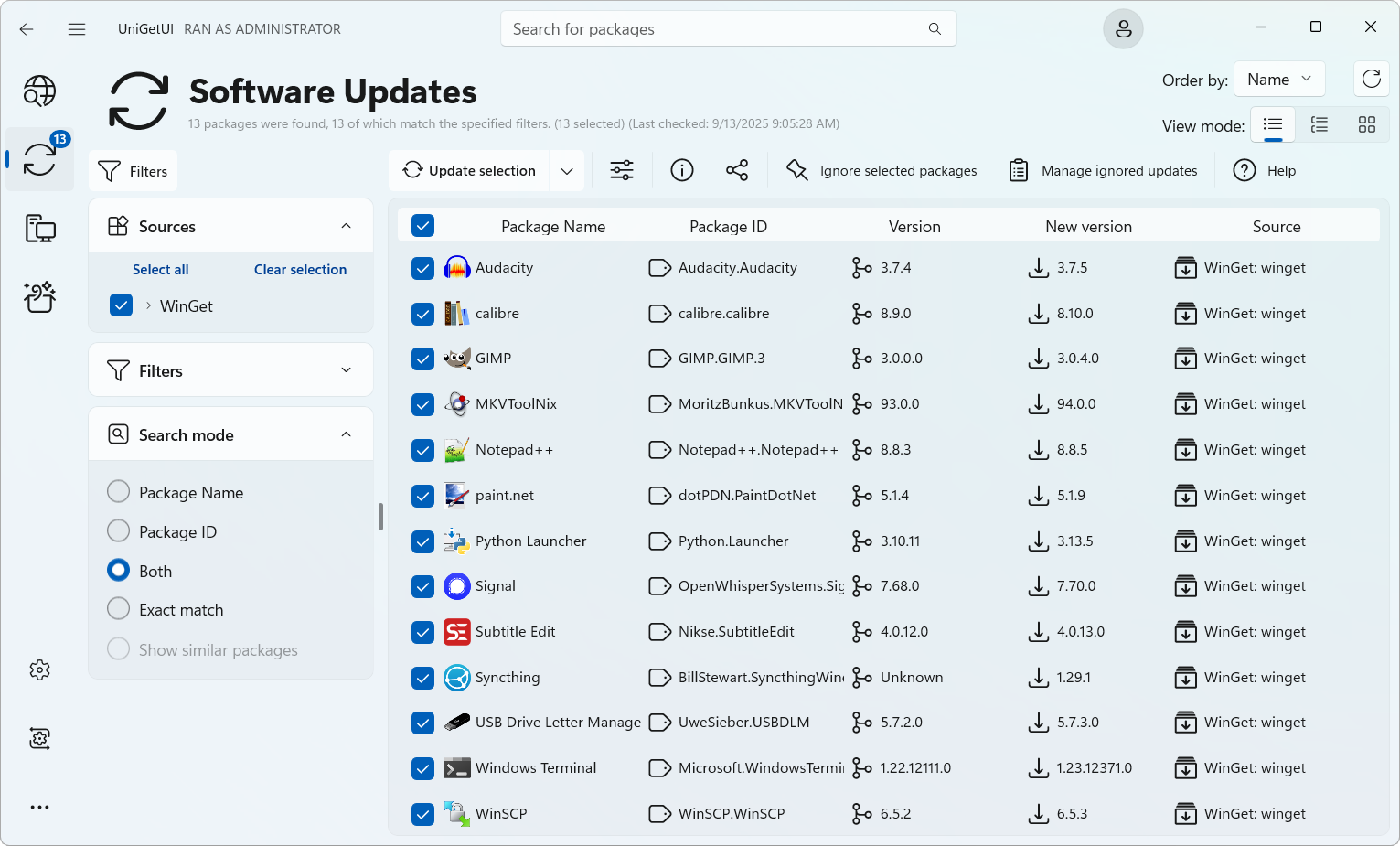
 Versie 2026.2.4 van UniGetUI is uitgekomen, met meteen een opvolger erachteraan om enkele problemen te verhelpen. Dit programma wordt tegenwoordig door Devolutions uitgegeven, bekend van onder meer Remote Desktop Manager en diverse andere beveiligingsproducten, en dient als grafische gebruikersinterface voor de bekendste softwarebeheerprogramma's, waaronder Winget, Chocolatey, Scoop, Pip en Npm. Met die packagemanagers kan software vanaf de commandline worden geïnstalleerd, bijgewerkt en verwijderd worden en UniGetUI maakt dat dus eenvoudiger. Het programma is opensource, beschikbaar voor Windows, Linux en macOS, in veel talen te gebruiken waaronder in het Nederlands, heeft een donker thema en geeft notificaties als er nieuwe versies van geïnstalleerde programma's beschikbaar zijn. De changelog sinds versie 2026.0.2 ziet er als volgt uit:
Devolutions UniGetUI 2026.2.4
This hotfix resolves a few regressions introduced in the previous release, primarily affecting NativeAOT builds and package installation behavior.
Fixes
- Fixed an issue where WinGet sources could appear empty after updating to 2026.2.3.
- Fixed PowerShell module installations not respecting the selected Installation scope.
- Improved NativeAOT compatibility and startup reliability, including fixes for WinGet and COM initialization.
- Added additional safeguards to improve the stability and reliability of NativeAOT builds.
Devolutions UniGetUI 2026.2.3
This release focuses on performance, efficiency, and responsiveness across the entire application. UniGetUI now ships with NativeAOT enabled by default for all release packages, resulting in faster startup times and a leaner runtime. This update also delivers significant optimizations to GPU usage, memory consumption, package icon handling, and scrolling performance, making the application smoother and more responsive
HighlightsImprovements
- NativeAOT is now the default for all UniGetUI release packages, improving startup performance and reducing runtime overhead.
- Significantly reduced GPU usage by eliminating unnecessary indeterminate progress bar animations.
- Optimized package icon loading and memory management for improved responsiveness and lower memory usage.
- Improved package list and DataGrid scrolling performance for a smoother browsing experience.
- Restored the dockable navigation pane with adaptive, docked, and overlay display modes.
- Added toast notifications and enhanced operations feedback.
- Added a manual Install, Update, and Uninstall mode for greater control over package operations.
Bug Fixes
- Package list sort order is now remembered independently for each page.
- Improved operation logs by preserving your scroll position while new output is generated.
- Updated the empty and loading state illustrations.
- Improved title bar search layout and styling.
- Fixed sidebar and filter pane icon inconsistencies.
- Fixed the main window gradually increasing in size after restarting on Windows.
- Fixed title bar search clipping when the window is maximized.
- Fixed dark theme flyout readability on the release notes page.
- Fixed log text colors when switching themes.
- Fixed several installer script issues.

:strip_exif()/i/2007728788.png?f=thumbmedium)
:strip_icc():strip_exif()/u/21673/crop65674aee06c6d_cropped.jpg?f=community)
:strip_icc():strip_exif()/u/45000/zardoz3-edit.jpg?f=community)
:strip_exif()/u/322645/crop5a9092a3b809f_cropped.gif?f=community)
 Ik laat het overigens niet op de achtergrond draaien.