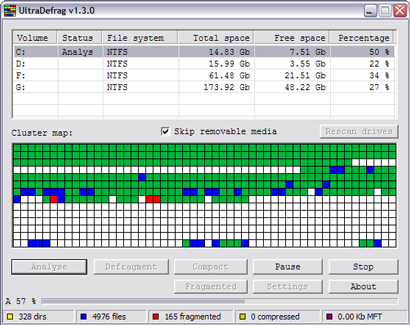
 Dmitri Arkhangelski heeft vandaag versie 1.3.3 van Ultradefrag uitgebracht. Dit opensource defragmenteerprogramma kan zijn werk doen op Windows NT en hoger en downloads zijn beschikbaar voor processors met een i386-, AMD64-, IA64- of EM64T-architectuur. Het programma beschikt over een grafische gebruikersinterface, maar kan ook vanaf de commandline worden aangestuurd. Ultradefrag is een no-nonsense programma: het uiterlijk is niet aan te passen en er is maar één taal. Een ander opvallend feit is dat de download nog geen 250KB groot is. Hieronder zijn de veranderingen te vinden die aan het programma zijn aangebracht sinds de vorige vermelding in de meuktracker:
Changes in version 1.3.3:Changes in version 1.3.2:
- one important driver bug was fixed
- few x64 installation bugs were fixed
[break]
- few important bugs were fixed

:strip_exif()/i/2002225099.png?f=thumbmedium)
/u/58527/crop598f55cf0092d_cropped.png?f=community)
:strip_icc():strip_exif()/u/45440/naamloos.jpg?f=community)
/u/45661/Moogle.png?f=community)
/u/63948/beepic.png?f=community)