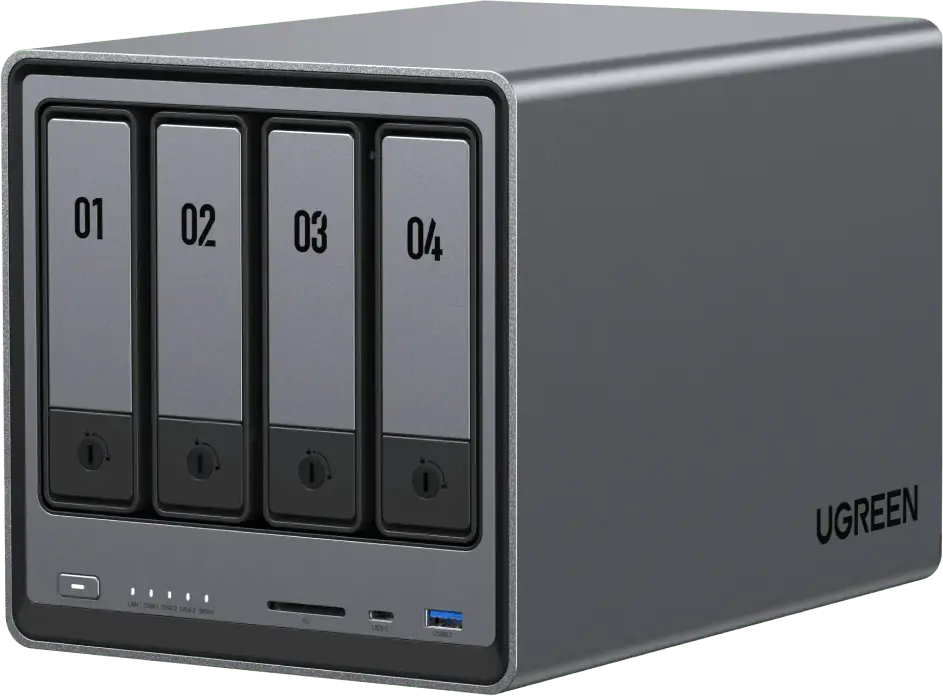
 Ugreen heeft een nieuwe versie van UGOS uitgebracht, de beheersoftware die op de diverse NASync-nasapparaten draait die het bedrijf maakt. Ugreen is een betrekkelijk nieuwe speler op de markt voor nasapparaten voor thuisgebruik, die voor de prijs zijn voorzien van uitstekende hardwarespecificaties. Op softwaregebied loopt het echter nog iets achter op de concurrenten, maar er wordt hard gewerkt om dat beter te maken. Ook is het mogelijk om er zelf een ander OS op te zetten, zoals bijvoorbeeld TrueNAS of Unraid. De changelog sinds versie 1.14.1.0107 kan hieronder worden gevonden.
Ugreen UGOS 1.15.1.0127
- Fixed some known issues to improve user experience.
Ugreen UGOS 1.15.0.0120
It is recommended to update the firmware as well as all apps and clients to the latest version to ensure full and stable functionality.
Control PanelFiles
- User > Shared Folder: Permission priority has been optimized. If there is a conflict between user permissions and those of the associated user group, permissions are applied in the following priority: Deny Access > Read-Only > Read/Write > No Setting.
Universal Search
- The permission logic for shared folders has been optimized. If a user has both Read/Write and Read-Only permissions for a shared folder, the Read-Only rpermission takes priority for security reasons to prevent unintended file modifications.
- Web/PC: A "Recycle Bin" shortcut has been added to the desktop for easier access.
This update includes enhanced functions and configuration options, as well as interaction improvements.
Account
- Fuzzy search of file names using word segmentation and tag-based file search are now supported.
- App integration: Search results from the "Photos", "Theater", "Music", "Comics", "Online Office", and "Knowledge Center" apps or features have been integrated to enable centralized, cross-app search.
- It is now supported to customize the search scope and excludie irrelevant or private directories. This ensures both result accuracy and privacy protection.
- It is now supported to display search results from selected apps.
- While typing, search results are loaded and displayed in real time, significantly improving search responsiveness and timeliness.
- The "Universal Search" entry has been removed from the desktop. On the web/PC client, the search interface can be accessed via the keyboard shortcut Ctrl+F (Windows) or Command+F (macOS).
- The most relevant search results are automatically identified and displayed with priority.
Ugreen AI
- Web/PC: "UGREEN Cloud Account" has been renamed to "UGREEN Account". This change has been applied in the "Account", "Control Panel" and related login pages.
- Web/PC: Account settings have been divided into two sections: "Local Account" and "UGREEN Account." At the same time, the UI design has been optimized for management.
- The "Nederlands" (Dutch) language option has been added.
Others
- The AI console "Ugreen AI" has been added, enabling centralized management of integrated models.
Important Note:
- The display of messages in the "Notifications" area has been optimized. Additionally, you can now specify which apps are allowed to send notifications via settings.
- Fixed the issue of garbled characters in some external subtitles in the web video player.
- Fixed some known issues to improve user experience.
After upgrading and restarting the device, a full indexing will be performed automatically. If you need to exclude certain directories, please configure this in advance under "Control Panel > Indexing Service > Universal Search > Settings > File Search > Excluded Paths."

:strip_exif()/i/2007201836.webp?f=thumbmedium)
:strip_exif()/i/2007146226.webp?f=thumbmedium)
:strip_exif()/i/2007969772.webp?f=thumbmedium)
:strip_exif()/i/2007254296.webp?f=thumbmedium)
:strip_exif()/i/2008005396.webp?f=thumbmedium)
:strip_exif()/i/2007162180.webp?f=thumbmedium)
:strip_exif()/i/2007319692.webp?f=thumbmedium)
:strip_exif()/i/2007969770.webp?f=thumbmedium)
