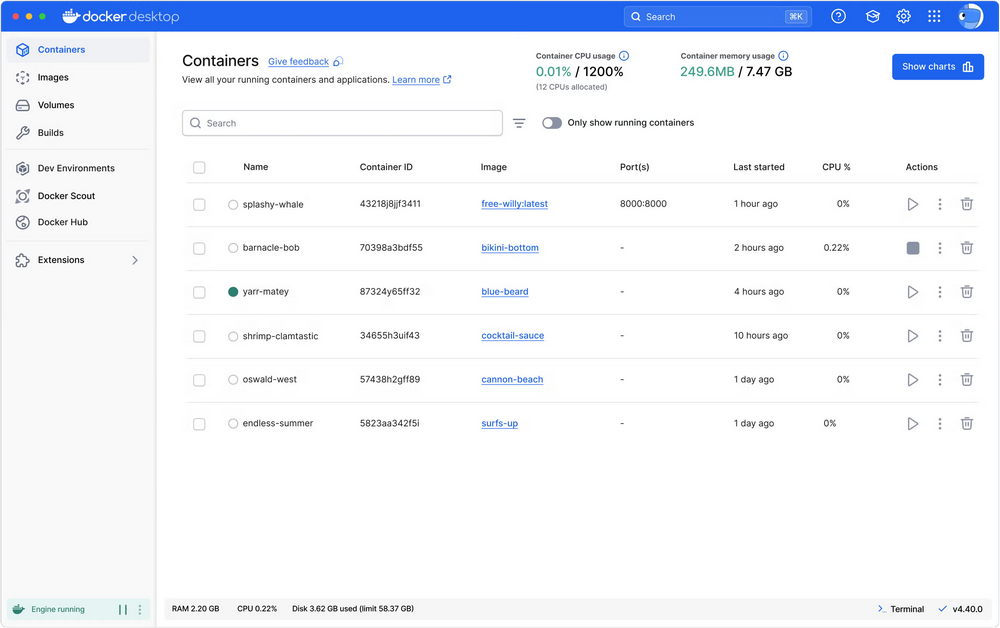
 Docker Desktop is een applicatie die het mogelijk maakt om lokaal Docker-containers en Kubernetes te maken, draaien en beheren. Het is beschikbaar voor Windows, macOS en Linux, en is gratis voor persoonlijk gebruik en in kleine omgevingen. Voor grote organisaties is wel een betaalde licentie nodig. Versie 4.68.0 van Docker Desktop is uitgekomen en de changelog daarvan ziet er als volgt uit:
NewUpdates
- Gordon now has persistent local memory, allowing it to remember your preferences and context across sessions.
For all platforms
- Fixed a deadlock in Enhanced Container Isolation that caused containers to hang indefinitely during creation when ECI was enabled.
- Added a warning banner to alert when an MCP server is community-provided and has not been verified by Docker.
- Added a persistent Show timestamps toggle to the Logs view, allowing timestamps to be hidden in both table and visualiser views across sessions.
- Fixed an issue where Docker Desktop frontend processes were not properly terminated on quit.
- Fixed a deadlock when settings controlled by admins reload that could cause Docker Desktop to become unresponsive during sign in or sign out operations.
- Fixed a bug where Docker Desktop could fail to start due to uncorrectable filesystem errors on the disk image not being repaired.
- Fixed a bug that caused Enhanced Container Isolation (ECI) to inadvertently block startup of Kubernetes clusters.
- Fixed an issue where a failed volume size fetch could make the Volumes view inaccessible; container counts on volumes now correctly exclude bind mounts.
- Fixed race conditions in volume backup that could cause containers to be incorrectly restarted, export logs to be corrupted, or runtime panics when scheduling tasks.
- Fixed a crash in the API cache that occurred when containers with no names caused a panic disrupting container listing.
- Fixed a bug where starting a container could fail with
ENOENTif a bind-mount parent directory was deleted while no container was using it.For Mac
- Fixed a security vulnerability where tampered user-deployed config profiles could bypass organization sign-in enforcement.
- Fixed a bug where a failed
vmnetdhandshake could dispatch a bogus command on a broken connection, causing unexpected networking errors.- Fixed a bug where the Docker Desktop Dashboard could be prematurely displayed when restoring to a fullscreen state on launch.
- Fixed nested bind mounts showing empty child mount content on VirtioFS when using Docker Compose with multiple services sharing a volume. Fixes #264.
For Windows
- Fixed an issue where the installer extraction did not update the progress bar and could take around 5 minutes, depending on the machine. Extraction is now ~60% faster and includes proper progress updates.
- Fixed a race condition where container ports would sometimes not be published correctly after container start, affecting ephemeral ports,
--publish-all, and gateway IP bindings.- Fixed an issue where a failed WSL distro move could leave the distro unregistered.

:strip_exif()/i/2007704650.png?f=thumbmedium)
:strip_icc():strip_exif()/u/92809/crop577f58c1b8795.jpeg?f=community)
:strip_icc():strip_exif()/u/132250/d1ca484677dbb1382705e67689809639.jpeg?f=community)