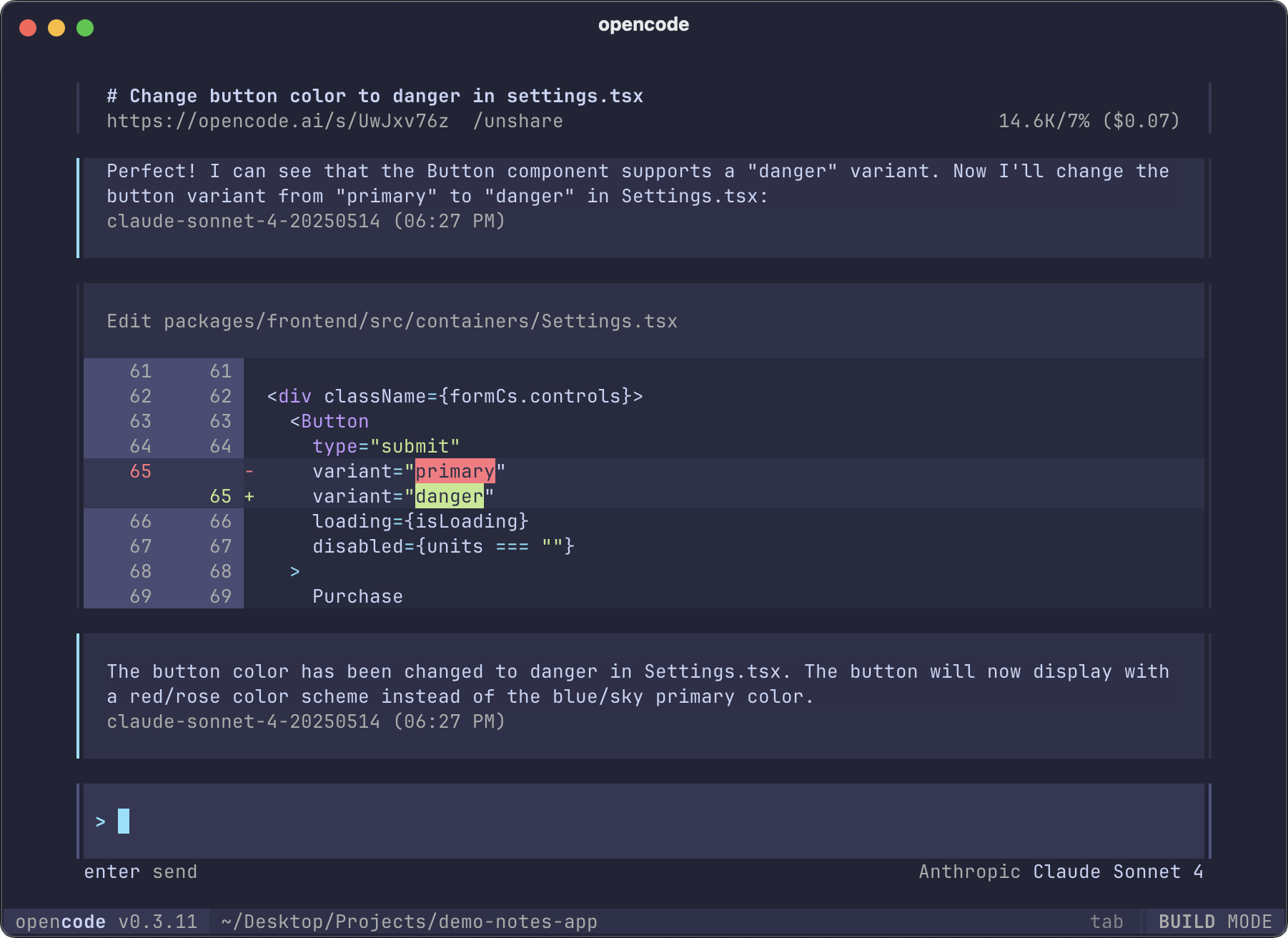
 OpenCode is een opensource AI-codingagent voor Windows, Linux en macOS, die kan helpen met het schrijven van code in bijvoorbeeld een terminal, een IDE of op de desktop. Hiervoor kan het gebruikmaken van een groot aantal gratis, maar ook betaalde AI-modellen, waaronder Claude, OpenAI, Google of lokaal draaiende modellen. De software wordt actief ontwikkeld, alleen vandaag al zijn er drie verschillende versie uitgekomen. Kijk voor meer informatie in de documentatie. De changelog voor vandaag ziet er als volgt uit:
OpenCode version 1.1.17
CoreTUI
- Remove the symlinkBinary function call that replaces the wrapper script
- Fix Homebrew auto-upgrade functionality
Desktop
- Prevent question tool keybindings when dialog is open
- Kill existing OpenCode CLI processes on macOS when launching desktop app
- Set serverPassword in desktop app
- Provide PTY socket authentication if available from desktop
- Tie desktop and CLI to the same Windows JobObject
OpenCode version 1.1.16
CoreTUI
- Handle write errors when updating schema in OpenCode config
- Ensure clear_thinking is disabled for zai model
- Improved edit and write tool feedback to prevent confusion about whether changes were successfully applied
- Prevent [object Object] error display in console output
- Respect agent task permission for nested sub-agents
- Fix max completion tokens error for Cloudflare provider
- Use reasoningConfig for Anthropic models on Bedrock
- Store API URL in session metadata
- Add nova-2 to region prefix models
- Tweak truncation directory permissions
- Make environment file reads ask user for permission instead of blocking
- Use Biome check instead of format to include import sorting
- Ensure plurals are properly handled
Desktop
- Support debug tool calling directly in CLI
- Don't submit prompt when switching sessions
- Await auth.set to prevent race condition when setting API key
- Actually modify OpenCode config when adding MCP servers with
mcp addcommand
- Spawn local server with password in desktop app
- Add missing args to Windows Tauri CLI spawn
- Implement better dynamic terminal numbering
- Add icon button for server removal in dialog select server
OpenCode version 1.1.15
CoreTUI
- Rename OPENCODE_PASSWORD to OPENCODE_SERVER_PASSWORD for clearer authentication configuration
- Fix HTTP exception handling order to prevent NamedError from masking HTTP exceptions
- Add password authentication and improve server security
- Improve error handling for built-in plugin installation failures
- Allow wildcard permissions to match both the command with and without arguments
- Fix model selection in title generation to use user's model instead of assistant's
Desktop
- Prevent layout jump when toggling tips visibility in TUI
- Add hint for variants toggle in TUI
- Fix autocomplete reopening after backspace deletes space in terminal UI
- Rename kvStore to store for consistency in TUI
- Redesign tips display on home screen
- Redesign tips display on home screen
- Remove update complete toast notification from TUI
- Disable AppImage build
- Improve server detection and connection logic in desktop application
- Resolve defaultServerUrl inside AppInterface to improve server URL handling

:strip_exif()/i/2007977928.png?f=thumbmedium)
/u/100535/crop5db039cd9f16d_cropped.png?f=community)